

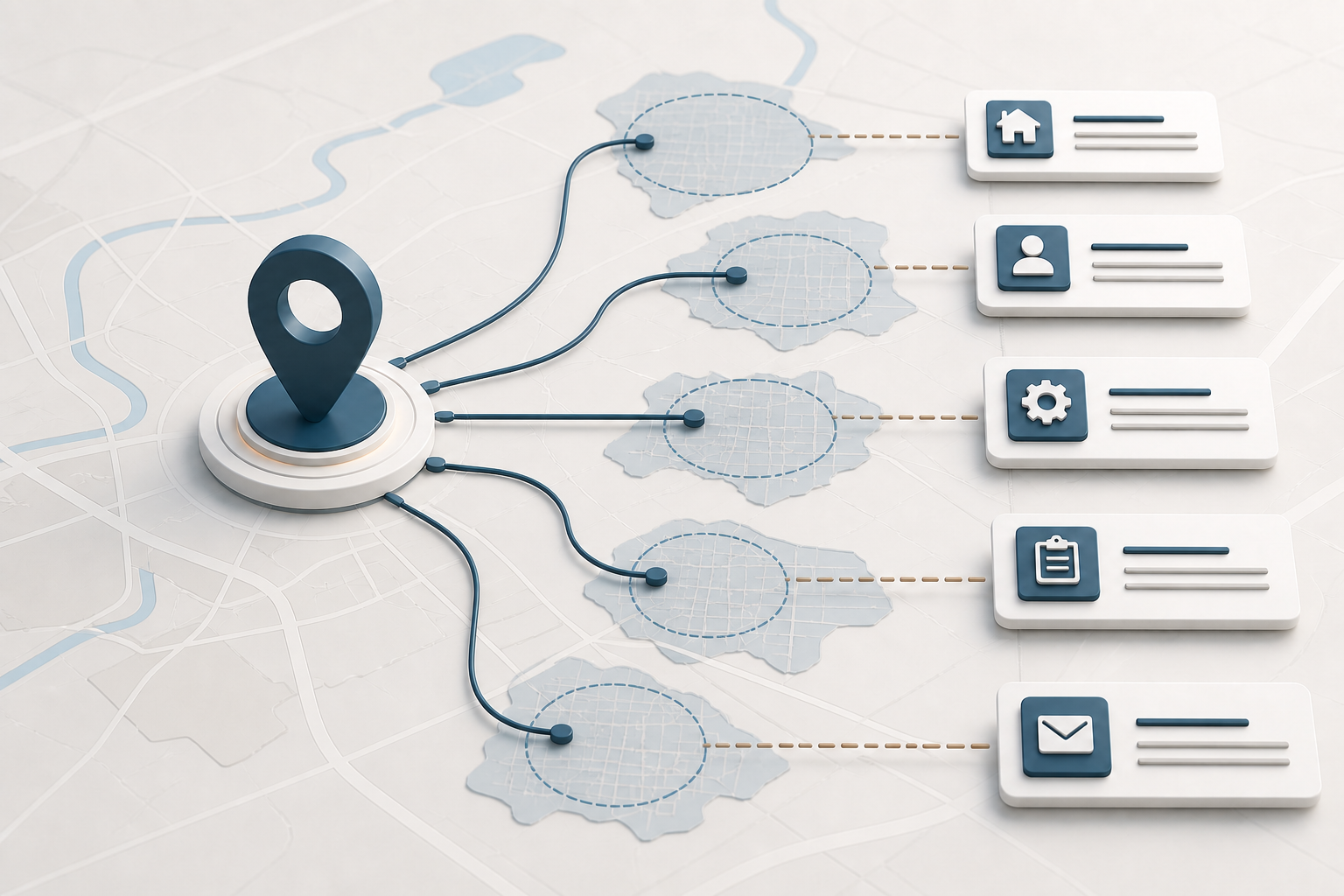
How to rank in multiple cities starts with serving those cities in a real, supportable way. Build one clear website structure, create location or service-area pages only when each page gives customers distinct useful information, and use Google Business Profiles only for eligible real-world operations. Support every market with accurate business details, local proof, relevant links, and measurement. Do not create fake offices or swap city names across copied pages.
Direct answer
Use website pages to explain legitimate services, locations, and coverage, and use Google Business Profiles only for operations that meet Google’s current eligibility rules. A real location may justify its own profile and location page. A service-area business may need selected service-area pages, but not a profile in every city. Every page should contain locally useful information, and every claimed presence must match the real operation.
That is the practical foundation for how to rank in multiple cities without misrepresenting where the company operates.
First, separate website rankings from Google Maps visibility
Owners often say “show up on Google” as if every result uses the same rules. It does not.
Traditional organic results usually point to website pages. Search engines evaluate whether a page is accessible, understandable, relevant, useful, and connected to the rest of the site and web. A service page, location page, guide, or case study can appear for an appropriate query even when the company does not have a storefront in the exact city, but there is no guarantee that it will.
Local results and Google Maps also use a Google Business Profile. Profile eligibility is tied to the real-world business. Google’s current Business Profile guidelines require accurate representation, precise addresses or service areas, and actual operating locations. A website page about a city does not create a physical location, and a service-area setting does not turn every named city into an office.
That distinction should control the plan. Use website content to explain legitimate service coverage and location-specific value. Use Business Profiles only where the business meets Google’s eligibility rules.
How to rank in multiple cities depends on the business model
| Business model | Website approach | Business Profile approach | Main risk |
|---|---|---|---|
| One storefront serving nearby areas | Strong core service pages plus useful service-area information where customers need it | One profile for the real location; use accurate service-area settings if eligible | Creating extra profiles for cities without real operations |
| Service-area business from one base | Service hub plus selected city pages that explain actual coverage, logistics, and proof | Generally one profile for the central operation with the address hidden when required | Treating every service area as a separate location |
| Several staffed, customer-facing locations | Distinct location pages with accurate address, hours, services, staff, and contact details | A profile for each separately eligible real location | Inconsistent names, categories, hours, or destination pages |
| Online-only business | Topic, product, audience, and market pages based on genuine usefulness | Usually not eligible for a Business Profile because in-person customer contact is required | Creating profiles merely to gain map visibility |
| Temporary, virtual, mailbox, or unstaffed space | Do not describe it as an operating location | Generally ineligible under current guidance | Suspension, customer confusion, and inaccurate public information |
Any plan for how to rank in multiple cities must match the real operating model before pages or profiles are created.
Google’s separate eligibility guidance says a business generally must make in-person contact with customers during its stated hours to qualify for a Business Profile. Always check the current rules for the exact model before creating or changing a profile.
Step 1: Confirm where the business truly operates
List every place where customers can visit the business and every area where staff actually travel to customers. For each real location, record the public name, address, phone, hours, categories, services, staff, and page that customers should use.
For service areas, define practical boundaries based on staffing, travel time, licensing, delivery, scheduling, and profitability. Do not begin with a list of cities gathered from a map. Begin with the places the operation can reliably serve.
This inventory prevents two expensive mistakes: marketing an area the business cannot support and presenting an address as a location when it does not meet platform or customer expectations.
Step 2: Build one logical website structure
A multi-city site should remain understandable to a person who never sees a search result. The navigation and internal links should show how services, locations, and educational resources relate.
A practical structure may include:
- one primary page for each real service;
- one location hub when the business has several legitimate locations or service areas;
- one page for each real, distinct location;
- selected service-area pages only where location changes the customer’s question or experience; and
- supporting articles that answer regional or service-specific questions without duplicating sales pages.
Google’s SEO Starter Guide recommends logical organization and descriptive URLs because they help people and search engines understand a site. Avoid burying hundreds of city pages in a sitemap while giving visitors no sensible way to browse them.
A clear structure supports how to rank in multiple cities by showing which services, locations, and regional resources belong together.
Step 3: Make every city or location page useful on its own
Changing only the city name, title, and opening sentence is not localization. A person who lands on the page should learn something that affects the decision to contact, visit, book, or buy.
Useful location-page content can include, when true and approved:
- the services actually available in that location or area;
- accurate address, hours, phone, booking, parking, delivery, or travel details;
- the team or department serving the location;
- service limitations, licensing, scheduling, or response logistics;
- original photographs of the real location or work in the area;
- approved reviews or examples clearly tied to that location;
- local questions customers genuinely ask; and
- links to the most relevant service and contact paths.
Do not invent local testimonials, staff, projects, landmarks, or statistics to make a thin page look unique. If the business has nothing materially different to say, a strong regional page may be more useful than many weak city pages.
Useful local differences matter more to how to rank in multiple cities than repeating the same sales copy with a different place name.

Step 4: Avoid copied doorway pages
Google defines doorway abuse as creating pages or sites to rank for similar queries that funnel users toward the same destination. Its spam-policy examples include multiple regional or city pages and substantially similar pages that sit between search results and the useful part of a site.
This does not mean every location page is prohibited. A real location page with accurate hours, staff, services, directions, contact information, and local proof serves a clear customer purpose. The risk rises when dozens of pages repeat the same copy, make the same promise, and all lead to one generic page or phone number without giving the city-specific visitor anything useful.
Use a simple test: if the city name were removed, would the page still contain information unique and important to that area’s customer? If not, improve the page or reconsider whether it should exist.
Step 5: Keep every Business Profile accurate and eligible
For each eligible profile:
- Use the real-world business name, not added search terms.
- Use an accurate address or service-area configuration.
- Keep categories consistent across locations that offer the same primary service.
- Send visitors to the most relevant location page, not automatically to the homepage.
- Maintain current hours, phone, services, and other profile information.
- Use real photos that accurately represent the location, team, work, or products.
- Manage reviews under the platform’s rules and never fabricate them.
Google says a virtual office is not eligible unless the location meets specific staffing, signage, and customer-contact requirements. It also says separately staffed locations with separate service areas may be eligible for separate profiles. Do not apply a general article to a borderline case without checking the current policy and the actual operation.
The ClickIt guide to Google Business Profile optimization covers the profile itself in more detail. This article keeps the focus on how profiles and website pages fit into a multi-city system.
Accurate profiles support how to rank in multiple cities only where the business is genuinely eligible and can keep the information current.
Step 6: Build real local evidence
Location names in copy are weak evidence by themselves. Stronger local evidence comes from the operation and community around the business.
Depending on the business, that can include accurate directory listings, local organization memberships, supplier or partner pages, event or sponsorship pages, local news coverage, location-specific reviews, approved project examples, and links from organizations that genuinely know the business.
The goal is not to collect every possible listing. Keep the business name, location, phone, website destination, and other core information consistent enough that customers do not encounter conflicting details. Pursue relevant relationships and citations, not mass-produced claims of presence.
Real local evidence strengthens a plan for how to rank in multiple cities because it reflects actual operations and community relationships.
Step 7: Measure each market separately
Do not call the project successful because total traffic increased. Record results by location page, query, campaign, call source, form source, and qualified outcome where the tools and privacy rules allow.
Useful questions include:
- Are the right city and service combinations appearing in Search Console data?
- Do visitors reach the correct location page?
- Are calls and forms tied to an actual service area?
- Which inquiries are qualified, booked, sold, or rejected?
- Are customers confused about the address, service boundary, or availability?
- Do several pages compete for the same query without a clear owner?
Search visibility, map views, clicks, and calls are different measurements. Connect them carefully and label gaps rather than treating every interaction as a sale. Measurement shows whether the work on how to rank in multiple cities is reaching qualified customers in each intended market.
Applying this in Kansas City and Las Vegas
The Kansas City region crosses Missouri and Kansas and contains many municipalities. MARC describes a bistate region of nine counties and 119 cities. That makes “Kansas City” too broad for some service businesses and appropriate for others. A Blue Springs company should identify the cities it truly serves, whether state boundaries affect the service, and which local details customers need. It should not create a profile for every suburb simply because the regional name is competitive.
Las Vegas-area planning may require separating city boundaries, actual service areas, and audience types. A company serving residents may need pages built around local service logistics. A company serving visitors or conventions may need booking, scheduling, transportation, group, or pre-arrival information. LVCVA research confirms that visitor and convention demand is substantial, but that audience should appear in the strategy only when the business truly serves it.
The existing comparison of Las Vegas and Kansas City SEO discusses broader market differences. The rule here is simpler: local specificity must come from real operations and useful customer information, not from stereotypes or copied place names.
In either market, how to rank in multiple cities starts with honest coverage and content that resolves a location-specific customer question.
Frequently asked questions
Do I need a Google Business Profile in every city I serve?
No. A service area is not the same as an eligible location. Use profiles only for operations that meet Google’s current real-world and customer-contact requirements. A service-area business based in one place will generally use one profile with the appropriate address visibility and service-area settings.
Can I rank in a city where I do not have an office?
A website page can be relevant to customers in a legitimate service area without claiming an office there, but visibility is not guaranteed. Explain actual coverage and provide useful location-specific information. Do not list a fake address or imply a physical presence that does not exist.
How many city pages should my website have?
There is no universal number. Create only the pages the business can keep accurate and make meaningfully useful. A smaller set of strong pages is usually more defensible than a large set of near-duplicates.
Should every location page use the same template?
A shared design can improve consistency, but the substantive information should reflect the real location, services, staff, logistics, proof, and customer questions. A template should organize unique information, not disguise duplicate copy.
Does adding cities to my Business Profile service area improve rankings there?
Google’s public guidelines explain how to represent service areas, not a ranking benefit from adding names. Use accurate service areas to inform customers. Do not treat the setting as a shortcut to visibility.
Next step
If your business serves several cities or operates multiple locations, ClickIt Digital’s SEO services can help inventory the real operating footprint, assign one job to each page, and align eligible profiles with the website. Contact ClickIt Digital before creating duplicate pages or questionable locations that may be difficult to unwind.
To rank in multiple cities responsibly, start with accurate service information and distinct pages that solve a real local customer question.
For teams learning how to rank in multiple cities, accuracy and genuinely useful local details should guide every page.